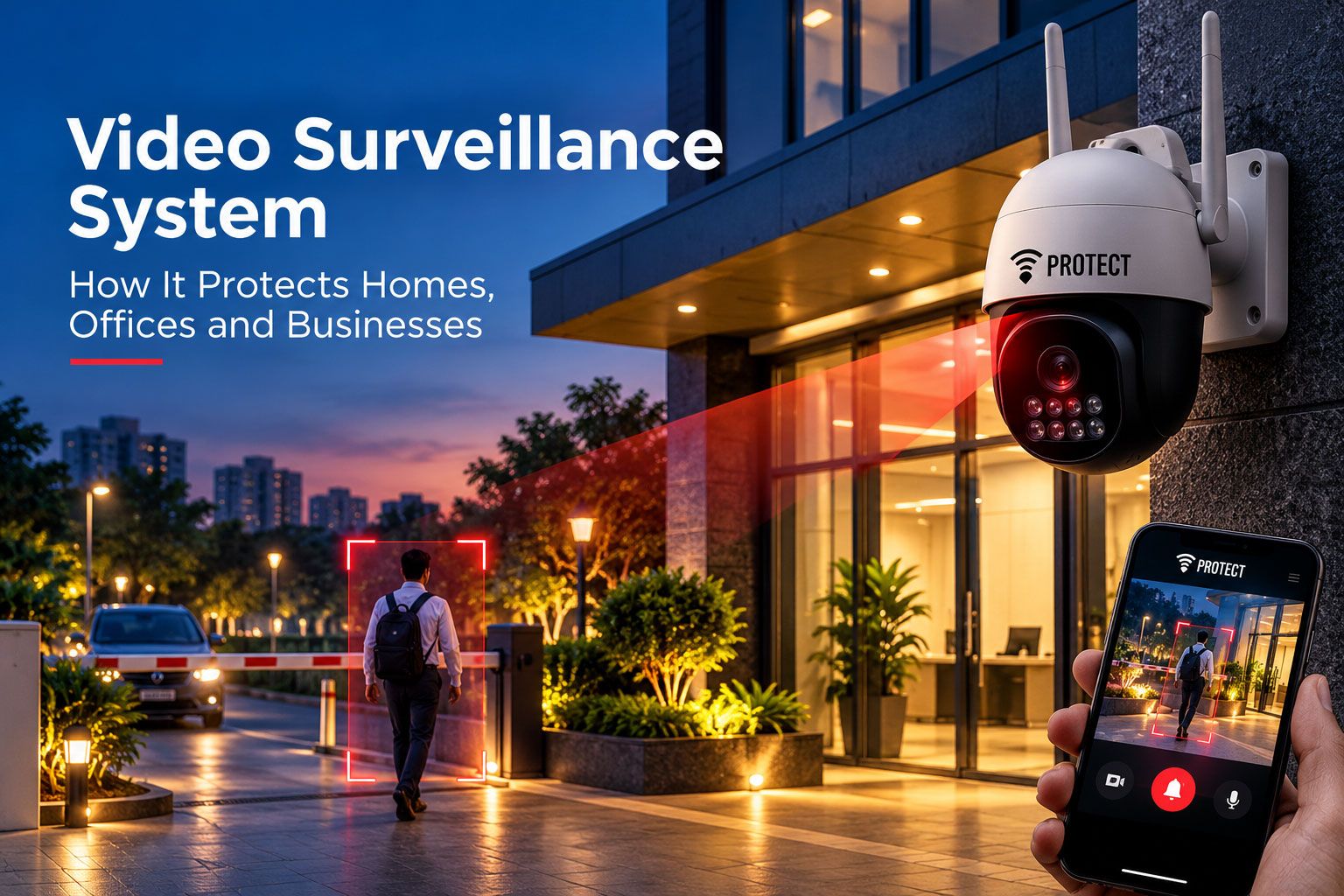

Quick answer: A video surveillance system uses cameras, a recorder and usually an app to watch and record what happens at a property. On its own it mostly gives you footage to review later. Linked to sensors and 24x7 monitoring, it also helps trained operators confirm an alert as it happens and decide what response is needed.
Most people in India have seen a camera dome above a shop counter, or a grainy feed on a security guard's monitor that nobody seems to be looking at. Cameras are everywhere now. Yet when something actually goes wrong, the usual story is the same: someone pulls up the recording the next morning and watches what already happened.
That gap between recording and responding is what this guide is really about. We'll cover how a video surveillance system works, the camera types you'll be offered, how video surveillance monitoring changes the picture, and what to look for at home, in an office, in a shop or on a construction site.
What is a video surveillance system and how does it work?
A video surveillance system is a set of cameras connected to a recorder, and often to an app or a monitoring centre, so that a property can be watched live and its footage stored. In a basic setup the cameras just record. In a more complete video surveillance security system, the cameras also help someone decide, in real time, whether an alert is genuine.
The moving parts are simpler than the jargon suggests. Cameras capture the picture. A recorder, called a DVR for older analogue cameras or an NVR for IP cameras, stores it on a hard disk for a set number of days. A phone app lets you see live or recorded video from anywhere. And in a monitored setup, the feed can also be viewed by trained operators when a sensor or the camera itself raises an alert.
Here's how that plays out on a normal night at a shop:
The shutter comes down at 10 pm and the system is armed.
Cameras keep recording the shop floor, the shutter and the lane outside.
At 2:40 am, a door contact or motion sensor trips, or an AI camera picks up a person near the shutter.
An alert goes out. In a monitored system, an operator opens the live view and checks what's actually there.
If it's a real threat, the operator coordinates a response and informs the owner. If it's a stray dog, the alert is closed with a note.
Without steps 4 and 5, the owner finds out in the morning.
What types of cameras are used in video surveillance?
The cameras you'll be offered fall into a few practical groups: dome and bullet cameras for fixed views, PTZ cameras that move and zoom, AI cameras that understand what they're seeing, and Wi-Fi cameras built for small homes. Most properties end up with a mix.
Dome cameras
The round ones on the ceiling. They're hard to tamper with, it's difficult to tell which way they're pointing, and they suit indoor spaces like shop floors, reception areas and office corridors.
Bullet cameras
Longer, tube-shaped and usually mounted outdoors on a wall. They're easy to aim at a specific gate, driveway or parking row, and their visible shape alone puts off casual mischief.
PTZ cameras
Pan, tilt and zoom. A single PTZ camera can sweep a car park, then zoom in on a number plate or a face. They're common on large sites such as warehouses, campuses and construction projects, where fixed cameras would need to be many in number.
AI cameras
These do more than record. They can tell a person from a moving tree branch or passing headlights, which cuts down on pointless alerts. Some also deter: VProtect's AI camera, for example, can flash a light and play a voice warning when it spots someone, before anyone reaches the door.
Wi-Fi and smart home cameras
Small, plug-in cameras that connect to the home router and stream to a phone app. They're quick to set up in a flat, but they depend on Wi-Fi and power, and most only send alerts to you.
Camera types compared
| Camera type | What it does well | Watch out for | Typical place |
|---|---|---|---|
| Dome | Discreet, hard to tamper with | Fixed view only | Shop floors, offices, lobbies |
| Bullet | Long, clear view of one area | Easier to spot and target | Gates, driveways, parking |
| PTZ | Covers large areas, zooms on detail | Can miss events while pointing elsewhere | Warehouses, campuses, construction sites |
| AI camera | Detects people, filters false alerts, can deter | Needs good placement and setup | Entrances, perimeters, shop fronts |
| Wi-Fi home camera | Easy install, phone viewing | Depends on Wi-Fi and power; alerts go only to you | Flats, small homes |
What is video surveillance monitoring, and why does it matter?
Video surveillance monitoring means someone is actually watching, or ready to watch, the moment an alert comes in. It's the difference between owning cameras and having protection.
Think about who looks at a typical CCTV feed. In a home, it's you, on your phone, when you remember to open the app. In a small office, it's often nobody until something is reported missing. In a large building, there may be a guard with a wall of screens, but one person can't watch sixteen feeds closely for eight hours. Things get missed.
Monitoring changes the order of events. Sensors and AI cameras do the constant watching, because that's what machines are good at. People step in only when an alert needs a human decision.
| Point of difference | Recorded CCTV only | Video surveillance with 24x7 monitoring |
|---|---|---|
| When you find out | Usually afterwards | While it's happening |
| Who checks an alert | You, if you see it | Trained operators, using the live view |
| False alarms | Left for you to judge | Verified before anyone is called |
| What happens next | Depends on you being reachable | A planned response, and you are informed |
| Main value | Evidence | Early warning plus evidence |
How VProtect India uses video in its security setup
VProtect India, an SIS Group company offering monitored e-surveillance, treats cameras as one part of a Detection, Monitoring and Response system rather than the whole thing. Wireless sensors on doors and windows, motion and glass-break sensors, smoke or heat sensors and panic buttons do much of the detecting. The AI camera adds a visual check and can flash a light and play a voice warning as a first deterrent.
Alerts reach a 24x7 monitoring centre, where trained operators verify each one before acting. If action is needed, trained response officers and coordination with emergency services follow. Customers also choose which zones are actively monitored, so cameras in private areas don't have to be part of it. The how VProtect monitoring works page walks through the steps, and the VProtect devices page shows the camera and sensors.
How does video surveillance protect homes, offices and businesses?
The same cameras do quite different jobs depending on where they're mounted. Here's what a video surveillance system realistically does in each setting.
Homes
At home, cameras usually watch the main door, the gate, the parking and sometimes the living room. They let you check who rang the bell, see that the kids got home from tuition, or glance at the flat while you're away for a wedding. Pair them with door sensors and a panic button, and an elderly parent at home has more than a camera; they have a way to get help.
Offices
In offices, cameras cover entrances, reception, the server room door and the parking. During the day, they're mostly a record. After hours, they matter more: a camera that's part of a monitored system can show an operator whether that 11 pm motion alert is a cleaner or an intruder.
Shops, showrooms and jewellery stores
Retail needs eyes on the counter, the cash drawer, the display cases and the shutter. During opening hours, visible cameras discourage shoplifting and help settle disputes. Overnight, cameras at the shutter and an AI camera at the entrance give a monitoring team something to verify against when a sensor trips.
Construction sites
Construction site video surveillance has its own set of problems. Sites are large, open, half-built, and full of cement bags, steel rods, copper cable and machinery that are easy to carry off at night. There may be no proper boundary wall yet, and the night watchman covers a lot of ground alone.
PTZ and bullet cameras on poles, solar or battery backup where mains power isn't ready, and remote viewing for the project manager are the usual building blocks. Cameras also help with daytime questions: who entered the material store, when a delivery truck arrived, or whether safety gear was being worn. Because no one is on site at night, monitoring makes a much bigger difference here than recording alone.
How do you choose the best video surveillance for your property?
The best video surveillance for one property can be a poor fit for another. Rather than chasing megapixels or a brand name, start with what you need the cameras to do: deter, record, verify, or all three.
Choosing the best video surveillance for home
For most flats and houses, a few well-placed cameras beat many badly placed ones. A useful starting point is one camera on the main door, one on the gate or parking, and one covering the main entry route inside. Then ask:
Can you see faces clearly at the door, day and night? Check the night-vision view before you approve the position.
Does it keep recording in a power cut? A small UPS or battery backup is worth having.
Who gets the alert if something happens while you're away? If the answer is only you, think about what happens when your phone is on silent.
What about privacy? Keep cameras out of bedrooms and bathrooms, and don't point outdoor cameras into a neighbour's window.
Choosing video surveillance for offices, shops and sites
Businesses usually need more cameras, longer recording, and clearer rules about who can view footage. Check:
Coverage: Entrances, cash points, stock areas and the perimeter, without blind spots.
Image quality where it counts: Faces at the door and number plates at the gate.
Storage: How many days of recording you keep, and whether the recorder itself is locked away.
Remote access: Who can view live and recorded footage from outside, and with what permissions.
Monitoring and response: Whether alerts are verified and acted on after hours, not just recorded.
For homes, the VProtect home security solutions page shows how cameras sit alongside sensors. For businesses, see VProtect solutions for shops and small offices.
What can't a video surveillance system do on its own?
Cameras are powerful, but it helps to be honest about where they fall short.
A camera can't stop someone by itself. A recording that nobody watches in time is useful for the police report, not for preventing the loss. Cameras also have blind spots, struggle in poor light or heavy rain, and can be covered, turned or unplugged by someone who knows where they are. And a camera won't notice smoke from a short circuit in the next room.
That's why video works best as one layer. Door and window sensors flag entry, motion sensors cover the inside, smoke detectors watch for fire, and cameras let someone see what's going on. Add 24x7 monitoring, and each alert gets a human check. No setup removes every risk, but this combination shortens the time between something happening and the right person knowing.
A few good habits
Check the live view and the night-vision view every couple of months; spider webs and dust do more damage than people expect.
Keep the recorder in a locked cabinet or out of sight, so it can't simply be carried away with the footage.
Change default passwords on cameras, the recorder and the app on day one.
Put up a clear "CCTV in operation" notice where cameras cover shared or public spaces.
Respect privacy: cameras should watch entrances and assets, not people's private lives.
Key takeaways
A video surveillance system records and shows what happens; on its own, it mostly helps after the fact.
Dome, bullet, PTZ, AI and Wi-Fi cameras each suit different spots, so most properties use a mix.
Video surveillance monitoring adds verified alerts and a response while the event is still unfolding.
Construction sites, shops and empty homes gain the most from monitoring, because nobody is there at night.
Frequently asked questions about video surveillance
What is a video surveillance system?
A video surveillance system is a set of cameras connected to a recorder, and often a phone app or monitoring centre, used to watch and record a property. Basic systems store footage for later review. Monitored systems also let trained operators check alerts live and coordinate a response when something is wrong.
What is the difference between CCTV and a video surveillance security system?
CCTV usually means cameras that record to a local screen or recorder. A video surveillance security system goes further: cameras work with sensors, alerts go out when something is detected, and in a monitored setup, operators verify those alerts using the live view before deciding what response is needed.
What is the best video surveillance for home use?
The best video surveillance for home use covers the main door, the gate or parking, and the main route inside, with clear night vision and power backup. For homes that are often empty, or where elderly parents live alone, cameras linked to sensors and 24x7 monitoring offer more than a phone app alone.
How does video surveillance monitoring work?
In video surveillance monitoring, sensors and AI cameras watch the property constantly. When something is detected, an alert reaches a monitoring centre, where an operator opens the live camera view, checks what is happening, and coordinates a response if it is genuine. The owner is informed either way.
Why is construction site video surveillance important?
Construction sites hold valuable materials and machinery, often without a finished boundary wall, and are usually empty at night. Construction site video surveillance, using PTZ or pole-mounted cameras with backup power and monitoring, helps detect theft or trespass early and keeps a record of material movement and deliveries.
How long is CCTV footage usually stored?
It depends on the recorder's hard disk, the number of cameras and the recording quality. Many homes and small businesses keep a few weeks of footage before it is overwritten. Businesses with specific audit or insurance needs should check those requirements and size the storage to match.
Conclusion: cameras that see, and people who act
A video surveillance system is one of the most familiar pieces of security, and for good reason. It deters, it records, and it gives you a clear picture when you need one. On its own, though, it mostly tells you what happened after the fact.
The real step up comes when cameras work with sensors and a team that's watching when it matters. If you'd like to see how monitored video surveillance could work for your home, office or business, you can book a security consultation with VProtect.