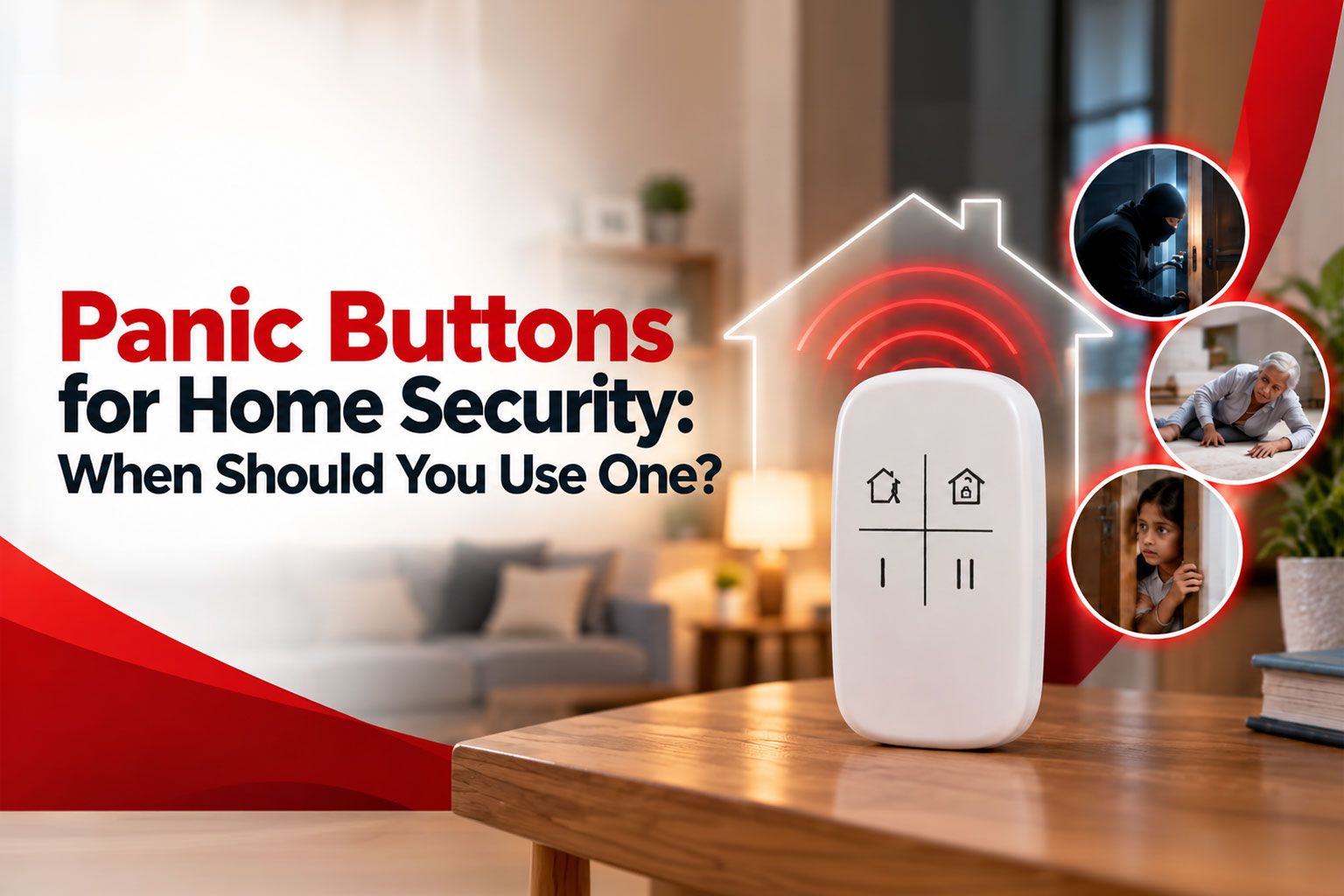

A home emergency rarely develops in a predictable way. A forced-entry attempt may happen while the family is asleep. An elderly parent may fall when nobody else is nearby. A child may be alone when an unknown person refuses to leave the gate.
In each situation, the challenge is not only detecting that something is wrong. The more important question is how quickly the person at risk can initiate a reliable response.
That is where a panic button becomes relevant.
A panic button for home security is a dedicated emergency control that allows a resident to raise a distress alert without navigating multiple phone screens or explaining the situation before the signal is sent.
In a professionally designed security setup, however, the button should never be viewed as an isolated gadget. It is one part of a wider chain involving alarm activation, signal transmission, monitoring, assessment, escalation and response.
This distinction matters.
A panic button security system should be judged less by the physical button and more by what happens after somebody presses it.
Quick Answer
A panic button should be used when there is a credible and immediate risk to someone's safety and making a normal call for help may be too slow, unsafe or impractical.
Typical situations include an attempted forced entry, a threatening person inside the premises, serious medical distress, or an urgent situation involving a child or elderly resident.
What Is a Panic Button in a Professional Home Security System?
A panic button is a manually activated emergency control intended for situations in which a person believes immediate assistance may be required.
Depending on the security architecture, an emergency trigger may be available through:
A fixed panic button
A wireless keyfob
A security keypad
A mobile application
A connected SOS control
Unlike an intrusion detector, a panic button does not wait for a door to open or for movement to be detected.
The resident makes the decision.
The individual identifies a potentially dangerous situation and deliberately sends an emergency signal.
This makes a panic button at home particularly useful for situations that an automatic sensor may not be able to interpret—for example, threatening behaviour by someone already inside the premises, personal distress or an urgent medical situation.
A professionally monitored home panic alarm should perform three fundamental functions:
Transmit the emergency signal reliably
Route the alarm into a clearly defined monitoring process
Support escalation according to the nature of the incident
A siren can create noise.
A professionally managed emergency workflow should create action.
How Should a Panic Alert Move Through the Security Chain?
A robust panic alarm system for home is better understood as a response chain than as a standalone device.
VProtect describes its overall protection model around deterrence, detection, monitoring and response. Its monitoring infrastructure is designed to assess triggered security events and move verified incidents toward an appropriate response. VProtect also describes coordination with police, fire and medical services within its response framework.
That wider system is important because pressing a button is only the first event in an emergency-response process.
When Should You Use a Panic Button at Home?
The correct threshold is not simply, “Something looks unusual.”
A panic button is intended for situations where there is a credible and immediate safety concern and delaying action could increase the risk.
1. When a Forced-Entry Attempt Is in Progress
An attempted intrusion is one of the clearest reasons to activate an emergency panic control.
Examples may include someone:
Forcing the main door
Attempting to break a window
Tampering with a secured entrance
Climbing into the property
Trying to breach a balcony, gate or another protected area
Personal safety should remain the priority.
Residents should avoid unnecessary confrontation, move away from the immediate threat where possible and initiate emergency assistance.
A panic button for home use can be particularly valuable here because the first action is deliberately simple.
Instead of finding a phone, unlocking it, searching for a number and potentially moving into view to make a call, the resident can activate a predefined emergency signal.
A panic function should therefore complement automatic intrusion detection rather than replace it.
2. When Someone Already Inside the Property Becomes Threatening
Not every home-security emergency starts with a broken lock.
A visitor, technician, delivery person, domestic worker, contractor or even a known individual may already be inside the property when the situation becomes threatening.
In such cases, an automatic door sensor may have nothing unusual to report.
The issue is no longer unauthorised entry.
The issue is human behaviour.
A discreet and accessible panic trigger can provide a resident with a way to raise an alert without visibly taking out a phone or unnecessarily escalating the confrontation.
This is one of the reasons manual panic functionality remains relevant even in homes that already use cameras and intrusion sensors.
3. When a Child or Teenager Is Home Alone
Working families often have periods when a child reaches home before an adult.
That period should form part of the household's security planning.
Consider a situation where an unknown person:
Rings the bell repeatedly
Attempts to open the gate
Remains outside for an unusual period
Looks through the property
Attempts to access another entrance
The child should already know a simple security protocol:
Do not open the door. Move away from exposed areas. Contact a parent if it is safe to do so. Activate the emergency alert if there is an immediate threat.
A panic button at home becomes more effective when the family already understands the process before an emergency takes place.
The device itself cannot replace household security training.
4. When an Elderly Resident Needs Urgent Assistance
Security planning for elderly family members should consider more than burglary.
An elderly parent living independently may be completely capable of managing day-to-day life but still become vulnerable during:
A fall
Sudden weakness
Severe discomfort
Breathing difficulty
Disorientation
Another urgent medical event
A panic alarm system for home can reduce the number of physical and cognitive actions required to ask for assistance.
That becomes important when the resident cannot stand, is distressed or finds operating a smartphone difficult under pressure.
The emergency control should therefore be positioned according to the resident's actual routine and mobility—not simply where installation is easiest.
For public emergency assistance in India, the Emergency Response Support System (ERSS) uses 112 as the nationwide unified emergency number, including police, fire and health-related emergencies.
5. When Making a Normal Phone Call Is Unsafe or Impractical
There are situations where a smartphone may not be the safest first response.
A resident may need to:
Remain quiet
Stay away from windows
Avoid being seen
Avoid drawing the attention of a threatening individual
Keep both hands free
Raise an alert immediately
A panic button security system creates an additional route for initiating assistance.
It does not eliminate the need to contact emergency services when doing so is safe and appropriate.
Its purpose is to provide another emergency trigger when normal communication is difficult, unsafe or too slow.
6. During a Fire or Smoke Emergency
Panic functionality can support escalation during a fire-related incident, but it should never be treated as a substitute for dedicated fire detection.
Smoke and heat detection systems are designed to identify dangerous conditions even when residents are asleep, distracted or away from the relevant area.
If occupants discover a fire, life safety and evacuation come first.
An SOS or panic function should therefore form part of a larger safety architecture that includes:
Dedicated fire detection
Alarm communication
A household evacuation plan
Access to emergency assistance
The principle is simple: no single security device should be expected to manage every type of emergency.
Panic Alarm vs Duress Alarm vs Intrusion Alarm
These terms are sometimes used interchangeably in consumer discussions, but operationally they serve different purposes.
The most effective home-security architecture does not rely on only one of these mechanisms.
Automatic detection identifies configured events.
Manual panic activation adds human judgement when the resident knows something is wrong.
What Should Happen After You Press the Panic Button?
This is arguably the most important question a homeowner should ask before selecting an emergency security product.
A professional panic button security system should have a clearly defined alarm-handling process.
Ask the security provider the following questions.
Who Receives the Signal?
Does activation:
Only sound a local siren?
Send an app notification?
Alert nominated family members?
Reach a professional monitoring centre?
Initiate a defined security-response workflow?
These are very different outcomes.
How Is a Panic Alarm Classified?
An emergency panic event should be distinguishable from routine technical notifications such as a low-battery warning or system-health message.
Alarm classification helps the monitoring operation understand the potential urgency of the incoming event.
What Happens if the Resident Cannot Answer?
This is critical.
The person who activated the home panic alarm may be:
Hiding
Unable to speak
Injured
Under threat
Unable to reach their phone
The escalation process should therefore account for situations where verbal confirmation is not possible.
What Response Capability Exists?
An alarm becomes significantly more meaningful when somebody is responsible for acting on it.
Homeowners should understand whether their service includes:
24/7 professional monitoring
Alarm assessment
Response personnel
Family notification
Civic-service coordination
Defined escalation procedures
VProtect states that its security model combines connected devices with 24/7 monitoring, verification and response. Its current security offering also describes SOS functionality through controls including wireless keyfobs and connected security interfaces.
Where Should a Panic Button Be Installed?
Panic-button placement should be determined by risk, accessibility and resident behaviour, not visual symmetry.
Where to install a panic button at home should therefore be decided only after considering where emergencies are most likely to leave a resident isolated or unable to reach a phone.
What Technical Features Matter in a Home Panic Alarm?
The quality of an emergency security system cannot be judged by the button alone.
Several supporting capabilities matter.
1. Communication Resilience
The emergency signal needs a dependable route from the premises to the monitoring infrastructure.
VProtect's device information highlights connected security infrastructure using LAN and GSM communication, helping provide more than one connectivity route within the system design.
2. Backup Power
A power interruption should not automatically eliminate the ability of the alarm architecture to operate.
Backup capability is particularly relevant in areas where power interruptions occur or where an intruder may attempt to interfere with utilities.
3. Device Health Monitoring
A security device that silently stops communicating can create a dangerous sense of protection.
A professionally managed system should be capable of identifying relevant device or communication-health issues rather than waiting until an emergency to discover a failure.
4. Tamper Awareness
Security components should be designed to recognise relevant interference or tampering where supported by the device architecture.
5. Alarm Classification
Intrusion, panic, fire and technical events should not be treated as identical notifications.
Correct classification supports more appropriate decision-making at the monitoring stage.
6. Defined Escalation SOPs
Technology is only half of a professional security operation.
The organisation behind it should have clearly defined procedures covering:
alarm receipt → assessment → verification → escalation → response
That operational discipline is what turns connected hardware into a security service.
When Should You NOT Use a Panic Button?
A panic alarm should not become a general-purpose complaint or notification button.
It should not normally be activated simply because:
A delivery is late
A neighbour is creating noise
An unfamiliar person is in the area but presents no immediate threat
You want to test the equipment without following the provider's test procedure
A child wants to see what the button does
There is a non-urgent service issue
Testing should follow the security provider's designated test procedure so that a test activation is not treated as a genuine incident.
India's official ERSS guidance similarly states that its emergency facility is intended for genuine emergencies and should be used carefully when a person's safety or another person's safety is in imminent danger.
8 Questions to Ask Before Choosing a Panic Alarm System for Home
Before installation, homeowners should ask:
Is the panic alert professionally monitored 24/7?
What exact event appears at the monitoring centre after activation?
What happens if nobody answers a verification call?
Can panic, intrusion, fire and medical events be differentiated?
Is there a backup communication path if the primary connection fails?
What happens during a power outage?
What response resources can be mobilised or coordinated?
How will family members be trained to operate and test the system?
These questions provide a much more meaningful measure of security capability than simply asking how loud the alarm is.
Why Professional Monitoring Changes the Value of a Panic Button
A standalone emergency button is an input.
A professionally monitored panic button security system turns that input into an operational security event.
That is the important difference between simply owning a home panic alarm and having a response architecture behind it.
VProtect's protection model connects smart security devices with monitoring, alert assessment and response. Its broader framework also includes deterrence and automatic detection so that manual panic activation is not expected to carry the entire security burden.
Sometimes technology detects the threat first.
Sometimes the person inside the home does.
A professional home-security strategy should be prepared for both.
Frequently Asked Questions
What is a panic button security system?
A panic button security system allows a resident to manually generate a high-priority emergency alert. In a professionally monitored setup, that signal can enter a defined monitoring, assessment and escalation workflow rather than operating only as a local siren.
When should I use a panic button at home?
Use a panic button when there is a credible and immediate threat to personal safety—for example, an attempted forced entry, a threatening individual inside the premises, serious medical distress or another situation requiring urgent assistance.
Does a panic button automatically call the police?
Not necessarily.
The result depends on the product, security provider and configured response protocol. Some devices only activate an alarm or send notifications, while monitored systems can route the event through an established response process.
For public emergency assistance in India, 112 is the nationwide integrated emergency number supporting police, fire, health and other emergency requirements.
Is a panic button useful if I already have CCTV?
Yes.
CCTV, automatic sensors and panic controls perform different functions.
A camera provides visibility and evidence. A sensor detects configured conditions. A panic trigger allows a person to actively declare an emergency.
CCTV by itself does not mean somebody is necessarily watching and responding at the exact moment an incident occurs.
Can elderly parents use a panic button for home emergencies?
Yes, provided the device is accessible and connected to an appropriate response process.
The design should account for the person's mobility, routine and ability to operate the device under stress.
A panic button for home use should always be positioned around the person who may need it—not simply around where installation is most convenient.
Can a panic button replace a complete alarm system?
No.
A panic button requires a person to recognise the emergency and activate the device.
Intrusion, smoke and other sensors can detect configured events automatically when occupants are asleep, distracted or away.
The stronger approach is to combine manual emergency activation with appropriate automatic detection, monitoring and response.
Conclusion:
The real value of a panic device is not measured by how quickly somebody can press it.
It is measured by the reliability and professionalism of everything that happens next.
A serious home-security strategy should answer four fundamental questions:
Can the threat be detected?
Can the resident raise an emergency alert manually?
Can the alert be assessed promptly?
Can an appropriate response be initiated?
That is why a panic button for home security should be selected as part of a broader protection architecture rather than as a standalone accessory.
For households with children who spend time alone, elderly parents, independent homes, frequent visitors or higher personal-security concerns, a professionally designed panic alarm system for home can add an important manual safety layer alongside automatic intrusion and emergency detection.
VProtect's approach combines smart security devices, 24/7 monitoring, alert assessment and response within a wider deterrence–detection–monitoring–response framework.
The objective is not simply to generate an alarm.
It is to ensure that when a genuine emergency occurs, the signal can move through a structured process—from activation to assessment, and from assessment to action.