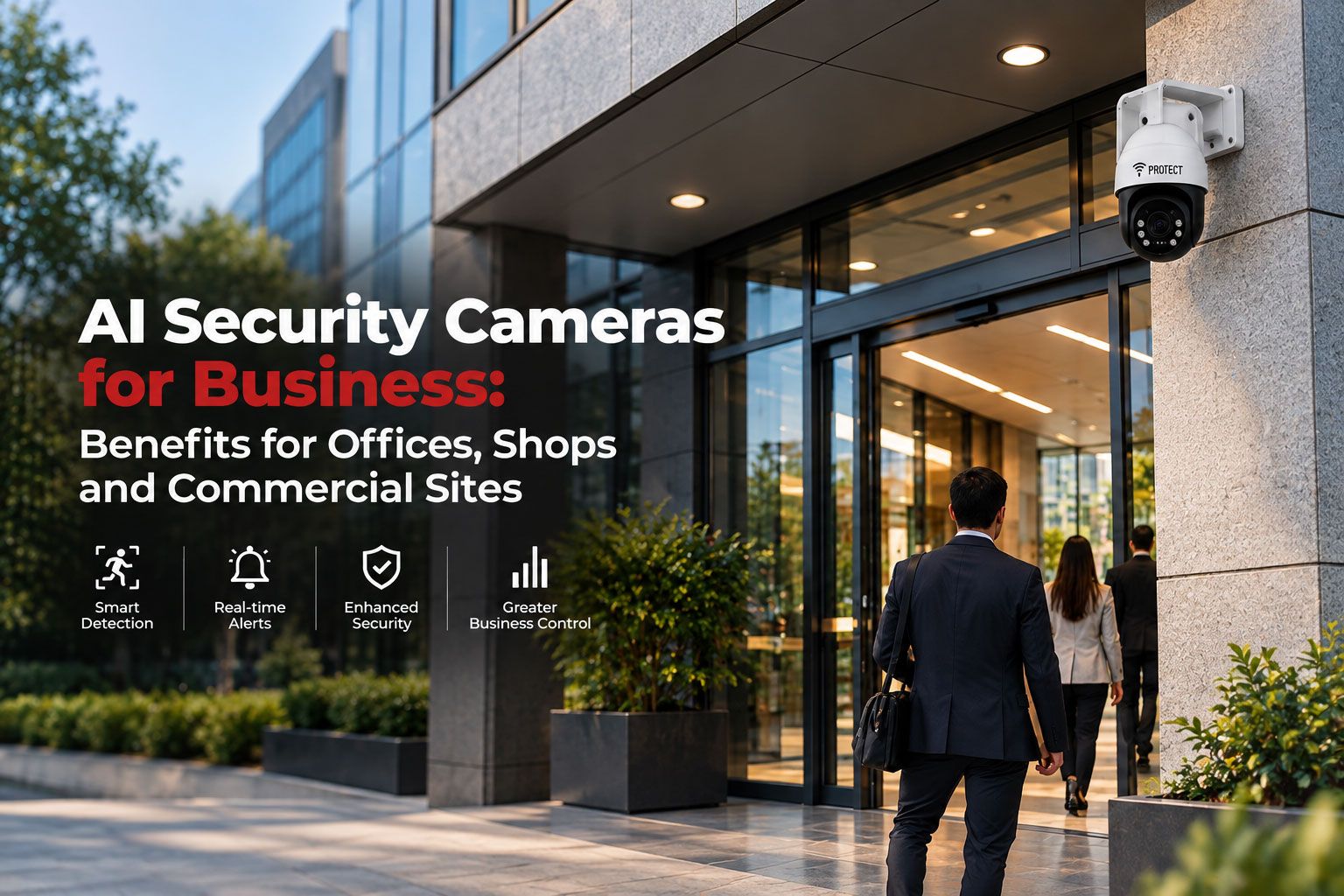

Traditional CCTV answers an important question after an incident: what happened?
Modern business security increasingly needs to answer another question much earlier:
Is something happening right now that requires attention?
That is where an AI security camera can add operational value.
Instead of treating every pixel change as equally important, video analytics can analyse a scene for configured objects, movements or behaviours. Depending on the technology, the system may distinguish between people and vehicles, identify movement inside a restricted zone, detect line crossing, monitor dwell time or generate an alert when defined conditions are met.
Commercial security, however, should not be reduced to an AI feature list.
The real value of an AI camera system lies in how intelligently it connects detection with verification, monitoring, escalation and response.
For an office, retail store, warehouse or multi-site organisation, the question is therefore not simply:
“Does this camera have AI?”
It is:
“Can this system identify the events that matter to our business and help the security team act on them?”
The Real Business Problem Is Not Lack of Video
Many organisations already have CCTV.
The challenge is that large camera estates generate enormous volumes of footage.
An office may have cameras covering reception, parking, staircases and restricted areas. A retailer may monitor multiple entrances, checkout zones and stockrooms. A warehouse may have dozens of cameras covering loading bays, perimeter roads and storage areas.
Human operators cannot give equal attention to every feed every second.
A properly configured ai powered camera helps reduce this problem by turning selected video conditions into operational events.
This changes surveillance from:
Record everything → investigate later
to:
Detect relevant event → verify → respond
VProtect's current enterprise platform follows a similar operating model by combining AI video analytics, live monitoring, automated alert escalation, device-health monitoring and response capabilities across offices, retail, logistics, warehousing and other commercial sectors.
Where AI Cameras Add Value in Commercial Security
The value of analytics differs depending on the environment.
Offices
Office security is not usually about shoplifting or warehouse inventory.
Typical concerns may include:
After-hours access
Movement in restricted areas
Parking and entry management
Unusual activity when floors are closed
Staff-safety incidents
Unauthorised access to sensitive spaces
An ai surveillance camera configured around relevant zones can help security personnel focus on abnormal activity rather than ordinary daytime movement.
For example, a person walking through reception at 11:00 a.m. is normal.
The same movement at 2:30 a.m. in a closed office may deserve immediate attention.
Context and configuration matter.
Retail Stores
Retailers operate in a much more dynamic environment.
Customers, employees, vendors and delivery personnel may move continuously throughout the day.
A smart ai camera should therefore not simply alert whenever someone is visible.
Useful retail scenarios may include:
Activity in staff-only areas
Loitering around selected high-risk zones
After-hours movement
Entry and exit counting
Queue monitoring
Investigation of repeated incidents
Analytics can also support operational functions. Modern systems can count people, analyse occupancy and monitor dwell time or queues, demonstrating that the same camera infrastructure may support both security and business intelligence when configured appropriately. (Axis Communications)
Warehouses and Logistics Sites
Warehouses present a different challenge again.
Large perimeters, loading bays, yards and low-occupancy periods can create significant monitoring demands.
An AI security camera may help identify:
People entering restricted yards
After-hours movement
Vehicles entering selected zones
Loitering near loading areas
Movement across defined virtual boundaries
Activity around sensitive storage areas
The objective is not to make the camera “understand” the entire warehouse.
It is to define specific security conditions that should receive attention.
AI Analytics Should Be Designed Around Security Rules
A professional ai camera system begins with security rules, not technology.
Before configuring analytics, the organisation should determine:
What event are we trying to identify?
Where should that event apply?
At what time should it be considered abnormal?
Who should receive the alert?
How will the alert be verified?
What happens if the event is genuine?
Consider a commercial parking area.
A rule such as “vehicle detected” may be almost useless during working hours.
A better rule could be:
“Vehicle enters this restricted loading zone between 11:00 p.m. and 5:00 a.m.”
The intelligence is not only in the camera.
It is in how the security scenario is designed.
AI Camera vs Conventional CCTV
An ai powered camera does not eliminate the need for security personnel.
It changes what those personnel have to monitor.
Instead of expecting operators to notice everything manually, analytics can bring selected events to their attention.
Why Human Verification Still Matters
AI video analytics are decision-support tools, not infallible security officers.
An alert may be influenced by:
Camera angle
Lighting
Weather
Shadows
Scene obstruction
Object size
Distance
Environmental movement
Configuration quality
Even leading commercial analytics platforms publish detailed mounting, scene and detection-area considerations because camera positioning directly affects analytics performance. (Axis Documentation)
For high-consequence security events, a smart ai camera is strongest when combined with trained human assessment.
This creates a practical workflow:
AI detects → operator verifies → response follows
VProtect's enterprise model combines AI analytics with 24/7 live monitoring by human specialists rather than positioning automation as a replacement for professional monitoring. (VProtect India)
Security Cameras With AI Can Reduce Unnecessary Alarm Handling
One important use of analytics is improving event relevance.
Older motion-based video systems can react to almost any scene movement, including environmental activity.
Modern security cameras with ai can classify selected object types and apply conditions to those objects.
For example, some commercial analytics can distinguish humans from vehicles and apply different rules based on what enters a defined area. (Axis Communications)
That does not mean false alerts disappear.
It means the system has more information available before deciding whether an event matches the configured rule.
For businesses operating many sites, improving alarm relevance can reduce time spent investigating routine or irrelevant events.
AI Cameras Can Support Faster Incident Investigation
AI is useful not only during a live incident.
It can also improve what happens afterwards.
A conventional investigation may require someone to manually review long periods of footage.
Advanced camera systems can generate metadata about detected objects and events, allowing operators to filter or search according to attributes supported by the platform.
Commercial scene-metadata systems, for example, can associate information such as object type, location and timestamp with video, making forensic searches more efficient. (Axis Communications)
For a multi-site business, an ai surveillance camera can therefore contribute to both:
real-time event detection + faster post-incident investigation
What Is a Smart AI Camera 360?
The search term smart ai camera 360 is often used by businesses looking for broad-area surveillance with intelligent analytics.
It is important to separate two concepts.
360-degree coverage refers to how much of the surrounding scene a camera can view, depending on camera architecture and lens design.
AI analytics refers to how video data is analysed.
A smart ai camera 360 is not automatically better than a conventional fixed camera.
For identification at an entrance, cash desk or narrow loading gate, a correctly positioned fixed camera may provide more useful detail.
Wide coverage is valuable only when it serves the security objective.
The camera should always be selected according to:
Required coverage
Identification distance
Lighting
Scene geometry
Analytics requirement
Mounting location
Edge AI vs Central Video Analytics
An AI camera system can perform analytics in different parts of the architecture.
Edge Analytics
Processing occurs inside the camera.
Potential advantages include:
Faster local event generation
Reduced transmission of unnecessary video
Easier scaling in some deployments
Lower central-server processing requirements
Axis notes that edge-based analytics can process live video directly inside compatible cameras and can reduce server, bandwidth and storage requirements in suitable architectures. (Axis Communications)
Central Analytics
Video may instead be processed by a central server, recorder or cloud platform.
This can be appropriate where organisations need centralised processing or want to apply analytics across existing video infrastructure.
Neither model is universally superior.
Architecture should follow the number of sites, existing cameras, network design, required analytics and operational workflow.
AI Camera Systems for Multi-Site Businesses
The security challenge changes significantly when a business operates twenty, one hundred or several hundred locations.
The problem is no longer simply viewing cameras.
It becomes:
Which sites have active incidents?
Which cameras are offline?
Which event requires immediate escalation?
Are repeated incidents occurring at one branch?
Can authorised personnel retrieve footage centrally?
Can every site follow the same escalation procedure?
This is where a centralised AI camera system becomes more valuable than independent camera installations.
VProtect's enterprise platform provides a unified environment for live video, device-health monitoring, alerts and incident management across distributed commercial sites. Its public enterprise material states that the platform is used across retail, offices, logistics and warehousing, BFSI and data-centre environments. (VProtect India)
Device Health Is Part of AI Surveillance
An intelligent analytic is useless if the camera generating it is offline.
Professional security cameras with ai should therefore be managed as security infrastructure rather than ordinary IT accessories.
Important conditions include:
Camera connectivity
Image availability
Recording status
Storage health
Tampering or obstruction
Network condition
System faults
VProtect's enterprise solution specifically includes centralised device-health monitoring and automatic health alerts for surveillance devices. (VProtect India)
This is particularly important for multi-site businesses, where a failed camera may otherwise remain unnoticed until footage is required.
How to Select an AI Camera for a Commercial Site
A business should not begin with megapixels or an AI marketing label.
Start with the security objective.
Define the Scene
Is the camera protecting:
Entrance
Perimeter
Stockroom
Loading bay
Parking
Office corridor
Cash counter
Restricted area
Define the Required Event
Should the ai powered camera detect:
A person entering a defined area?
A vehicle crossing a boundary?
After-hours activity?
Loitering?
Occupancy?
Another specific condition?
Define What Happens Next
This is often overlooked.
An AI security camera should have a clear operational destination.
Ask:
Who receives the alert?
Is video available for verification?
How quickly is it assessed?
What is the escalation SOP?
Can a response resource be activated?
Without these answers, an intelligent camera may simply generate more notifications.
How VProtect Uses AI Cameras for Business Security
VProtect's enterprise approach combines cameras with a broader security operating model rather than treating analytics as a standalone product.
Its current platform includes:
AI video analytics
Live camera monitoring
Automated alert escalation
Device-health monitoring
Cloud video access
Unified security dashboards
Intrusion and fire integration
Access control
Civic-response coordination
VProtect also states that its enterprise operation monitors large camera estates across commercial environments including retail, offices, logistics and warehousing. (VProtect India)
The operating sequence is straightforward:
Detect → Prioritise → Verify → Escalate → Respond
That is where an ai surveillance camera becomes more valuable than a camera operating in isolation.
Frequently Asked Questions
What Is an AI Security Camera?
An AI security camera combines video surveillance with analytics capable of detecting or classifying selected objects and events.
Capabilities vary by system, but may include people and vehicle detection, restricted-zone monitoring, line crossing, loitering, occupancy and event generation.
What Is an AI Powered Camera Used for in Business?
An ai powered camera can help businesses identify selected security or operational events without relying exclusively on continuous manual observation.
Typical applications include perimeter monitoring, after-hours detection, restricted-area protection and event verification.
Is an AI Camera System Better Than Normal CCTV?
An AI camera system provides additional analytics, but it is not automatically better in every application.
Camera position, image quality, system design, monitoring and response remain critical.
What Is a Smart AI Camera?
A smart ai camera generally refers to a surveillance camera capable of running intelligent analytics locally or through a connected video platform.
Its actual value depends on which analytics it supports and how those events are handled.
Can an AI Surveillance Camera Replace Security Staff?
No.
An ai surveillance camera can automate parts of event detection and prioritisation. Human operators remain important for verification, judgement, escalation and complex incident handling.
What Are Security Cameras With AI Used for?
Security cameras with ai can be configured for applications such as people or vehicle classification, restricted-zone detection, line crossing, loitering, occupancy monitoring and selected operational analytics.
Their purpose should be defined by the site's actual security requirements.
Final Perspective: AI Should Improve the Security Decision, Not Just the Camera
Businesses do not need AI simply because AI is available.
They need better security decisions.
A useful commercial surveillance system should help answer:
What happened?
Where did it happen?
Does it require attention?
Can someone verify it quickly?
Who owns the response?
Is the security equipment itself healthy?
An AI security camera can improve the first stages of that process by analysing video and prioritising relevant activity.
But the real security outcome comes from the architecture around it.
The camera must be positioned correctly. Analytics must be configured around a defined risk. Alerts must reach trained people. Events should be verified. Escalation procedures need to be clear. Critical equipment must remain monitored.
For offices, shops, warehouses and commercial facilities, this is the difference between simply installing security cameras with ai and operating an intelligent security programme.
The strongest model is not:
Camera + AI = Security
It is:
AI detection + human verification + structured monitoring + defined response = stronger business protection