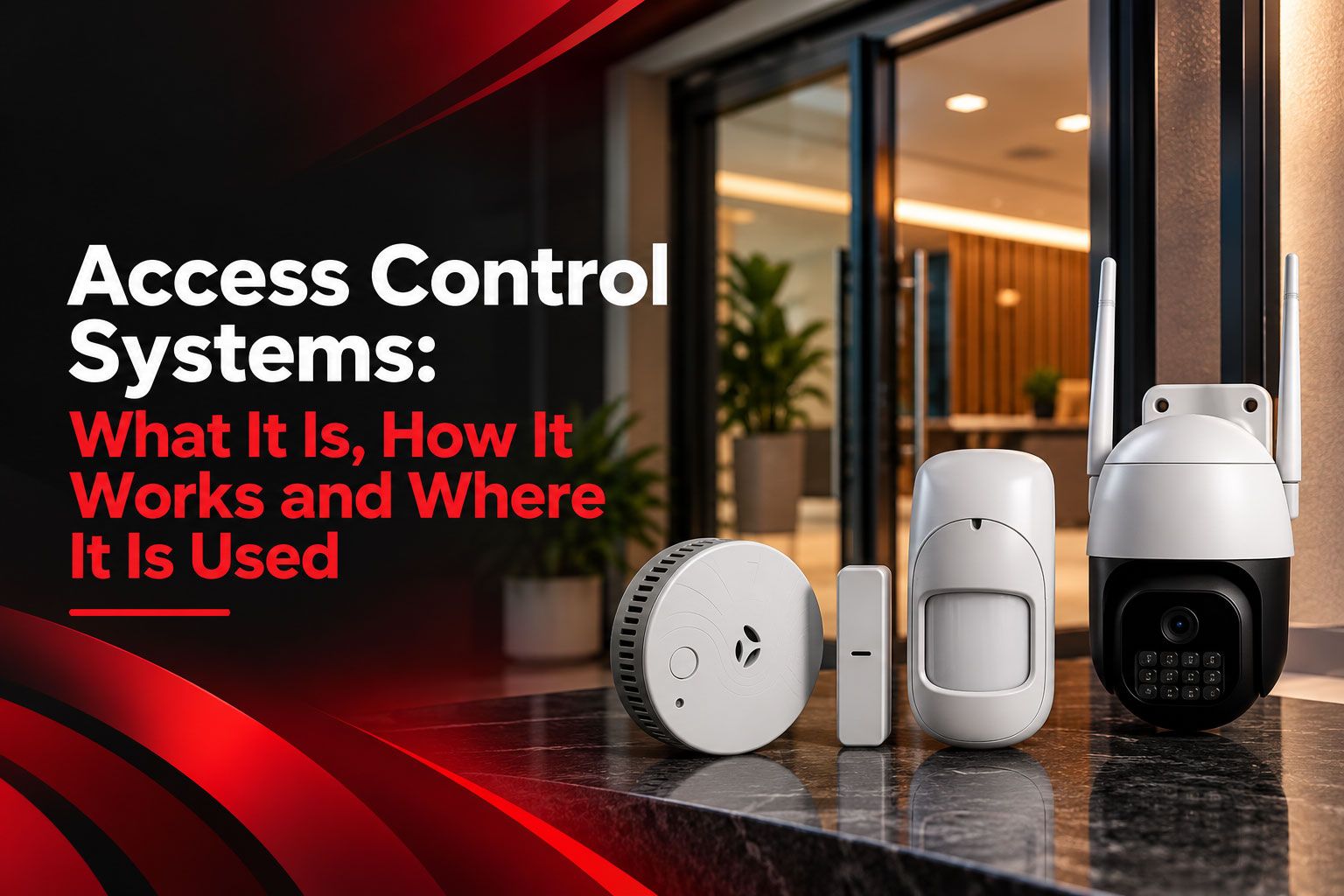

Quick answer: An access control system lets you decide who can open a door and at what times. A person shows a card, PIN, fingerprint or phone at a reader beside the door. The system checks their permission and unlocks only if they're allowed in, and it keeps a record of each entry.
Ask any office admin about keys and you'll usually get a sigh. There's the master key nobody can find. The duplicate a former employee "forgot" to return. The server room that somehow stays unlocked because three people need it and only one key exists.
Keys also say nothing. Once a door is opened, there's no way to tell whether it was the accounts head at 9 am or someone else on Sunday evening. An access control system fixes both problems at once. Below, we cover what it is, how door access control systems work at the door, the main types you'll be offered, and what to think about when picking a door access control system for office use.
What is an access control system?
An access control system is an electronic way of managing entry to a building, a floor or a single room. Instead of a bunch of keys, each person gets a credential, such as a card, a code or their fingerprint, that opens only the doors you've assigned to them, and only during the hours you've set.
At the door, the system quietly asks three things. Who is this? Are they allowed through this particular door? Is this an hour when they're allowed? Three yeses and the lock clicks open. Anything else, the door stays shut and the attempt goes into the log.
In India you'll mostly see these on doors, so installers and buyers tend to call them door access control systems. The same thinking runs metro turnstiles, society boom barriers and the lift that only takes you to your own floor in a tech park.
How does an access control system work?
An access control system works by comparing whatever a person shows at the door with a permission list held in a small controller. A match during allowed hours releases the lock for a few seconds. No match, no entry.
What's actually on the wall
Most setups have the same handful of parts, even if the brands differ:
A credential, which is what the person carries or is: a card, a key tag, a PIN, a fingerprint, a face, or a phone.
A reader fixed beside the door to read that credential.
A controller, usually hidden above the ceiling or in a cabinet, which holds the rules and makes the decision.
An electric lock, either an electromagnetic lock that holds the door shut or an electric strike that releases the latch.
An exit button on the inside, so nobody needs a card to leave.
A door sensor that knows whether the door is really closed.
Software where the admin adds people, sets timings and checks the logs.
A typical morning at the door
An employee walks up and taps her ID card.
The controller checks two things: is the card valid, and is this door allowed for her at 9:05 am?
It is, so the lock releases. She walks in and the door closes behind her.
The entry is saved with her name, the door and the time.
If someone had forced that door, or propped it open for twenty minutes, the system would have raised an alarm instead.
What are the types of door access control systems?
Door access control systems are usually sorted by what the person uses to get in: a PIN, an RFID card or tag, a fingerprint or face, or a phone. Plenty of offices mix them, say a card at reception and a fingerprint on the server room.
PIN keypad access
Type a code, the door opens. Keypads are cheap, and there's nothing to lose. The catch is human. Codes get shared with the tea vendor, scribbled on the wall, or read over someone's shoulder. If you go this route, change the code every time someone leaves.
RFID card and key-tag access
This is what most Indian offices and co-working spaces run. You tap a card or a small fob, and you're in. Its real strength is admin: when a card goes missing, IT blocks it in a couple of minutes and prints a new one. Compare that with calling a locksmith on a Saturday.
Biometric access (fingerprint and face)
A fingerprint can't be lent to a friend or left at home. Many companies already have a biometric attendance machine, so staff are used to it. Two practical warnings: fingerprint readers struggle with dusty, wet or worn fingertips, which matters on factory and warehouse doors, and face readers need decent lighting at the entrance.
Mobile and app-based access
Here the phone becomes the key, over Bluetooth or a QR code. It's handy for co-working spaces and for sending a one-day pass to an auditor or interview candidate. It also means a flat phone battery leaves someone standing outside, so keep a backup option.
Door access control systems compared
| Type | Credential | Strengths | Points to watch | Typical use |
|---|---|---|---|---|
| PIN keypad | Numeric code | Low cost, nothing to carry | Codes are easily shared | Store rooms, small offices |
| RFID card or tag | Card or key tag | Easy to issue and block | Cards can be lent or lost | Offices, co-working spaces, societies |
| Biometric | Fingerprint or face | Cannot be lent or lost | Sensitive to dust, wear and lighting | Server rooms, strong rooms, clinics |
| Mobile access | Smartphone app | Easy visitor access, no cards | Depends on phone and app | Modern offices, co-working spaces |
Where is an access control system used?
An access control system earns its place anywhere different people need different doors. Offices are the obvious case, but clinics, jewellery stores, warehouses and housing societies use them too. Generally, the more people walk through a space each day, the more a key-based setup starts to leak.
Offices and co-working spaces
This is where an office door access control system does most of its work. Everyone taps in at the main door. Only IT gets into the server room. Only accounts gets into the room with the cash box and the files. And when someone resigns, HR blocks their card on the last day; there's no chasing them for a key.
Clinics and hospitals
The medicine store, the records room and the staff area can be limited to the people who need them, with a log of every entry if questions come up later.
Jewellery stores and showrooms
The shop floor is open all day, but the strong room should not be. A fingerprint reader on that one door, set for the owner and two trusted staff, is a common and sensible pattern.
Warehouses and godowns
Loading bays and high-value stock cages can be restricted to supervisors, and set to open only during working shifts.
Housing societies and homes
Societies use cards or tags at gates, lobbies, the gym and the clubhouse. Inside homes it's usually simpler: a smart lock on the main door with a PIN or fingerprint, so the house help or driver can let themselves in without anyone handing over a key.
What are the benefits of an access control system?
The biggest win with an access control system is simple: you stop managing keys and start managing people. Who can open which door, and when, becomes a setting you change in minutes rather than a lock you replace.
In day-to-day terms, that looks like this:
A lost card is blocked before anyone can misuse it, and a new one costs far less than re-keying a door.
The housekeeping team can enter the pantry and washrooms, but not the director's cabin.
Doors can lock themselves at 8 pm and stay locked through Sunday and public holidays.
When something goes missing, the entry log shows who opened that door and when.
An auditor or vendor can get a card that works for one day, on one floor.
What access control does not do on its own
It's worth being clear about the gaps. Access control manages people who are meant to come in. It won't notice someone breaking a back window at 2 am, or a person who slipped in during the day and stayed hidden. It doesn't detect smoke. And a forced-door alarm in an empty office is only useful if somebody is there to hear it and act.
So think of it as one half of the job. Access control answers "who may enter during the day?" The other half, "has anyone entered who shouldn't have, especially after hours?", needs intrusion detection and someone watching.
Where VProtect fits in
VProtect India, an SIS Group company offering monitored e-surveillance, works on that second half. Its approach runs on Detection, Monitoring and Response. Wireless door and window contacts, motion and glass-break sensors, smoke or heat sensors and panic buttons pick up events. Alerts go to a 24x7 monitoring centre, where trained operators check each one before acting, and trained response officers and coordination with emergency services follow when needed.
For an office, that covers the nights and weekends an access control system isn't designed to watch. You can read more on how VProtect monitoring works and see the sensors on the VProtect devices page.
How do you choose a door access control system for office use?
To choose a door access control system for office use, list your doors and your people before you look at any hardware. A 12-person startup in one room and a 200-person company spread over three floors will end up with very different setups, even if they buy from the same vendor.
Questions to answer first
Which doors actually need control? Just the main entrance, or the server, cash, records and store rooms too?
Who walks through them? Count staff, housekeeping, guards, regular vendors and visitors.
What should each person use? Cards are easiest for most people. Fingerprints make sense for the one or two rooms where a borrowed card would be a real problem.
When should doors open? Think about shift timings, Saturdays, and the Diwali week when half the office is on leave.
What records do you need? A basic entry log, or reports that HR and auditors will ask for?
Fitting an access control system door: what to check
The hardware on the door matters as much as the reader. Glass doors usually take an electromagnetic lock at the top; many wooden doors suit an electric strike in the frame. Whatever you fit, the lock on an exit route must release on its own during a power failure or a fire alarm, so nobody can get trapped inside. Ask your installer about local fire safety requirements.
Add a small battery backup so readers and locks ride through routine power cuts. Pair each lock with a door sensor, so the system can tell a forced door from a normal entry. And keep a manual override, such as a break-glass unit or key switch, for emergencies.
An office door access control system works best when it's planned with the rest of your security rather than bolted on later. For business layouts, see VProtect solutions for shops and small offices.
Key takeaways
An access control system replaces keys with cards, PINs, fingerprints or phones, and decides who opens which door and when.
Door access control systems keep a log of every entry, and a lost card or a departing employee can be cut off the same day.
Cards suit most offices, fingerprints suit the few rooms that really matter, and PINs are fine for low-risk doors.
Access control handles expected visitors. Break-ins, smoke and after-hours events need monitored intrusion detection.
Frequently asked questions about access control systems
What is an access control system?
An access control system manages who can open a door, an area or a whole building, and at what times. People show a card, PIN, fingerprint or phone at a reader, and the lock opens only for those with permission. Every entry, and every refused attempt, is saved in a log you can check later.
What are the main types of door access control systems?
The main types of door access control systems use PIN keypads, RFID cards or key tags, biometric readers for fingerprints or faces, and mobile apps. Many offices combine two of them: cards at the main entrance for convenience, and fingerprint readers on server rooms or strong rooms, where a borrowed card would be a real risk.
Which is the best door access control system for office use?
There is no single best door access control system for office use; it depends on your doors, headcount and how sensitive each room is. RFID cards work well at most entrances because they are quick to issue and block. Fingerprint readers make sense on server, cash and records rooms.
Does an access control system work during a power cut?
Most systems carry a small battery backup, so readers and locks keep running through ordinary power cuts. Locks on exit routes are normally set to release if power fails completely, so nobody gets trapped inside. Ask your installer how long the backup lasts and how the fail-safe is set.
Is access control the same as a security alarm?
No. Access control decides who is allowed through a door. A security alarm, or intrusion detection system, notices unauthorised entry through any door or window and raises an alert. Many offices use both: access control during working hours, and a monitored alarm for nights, weekends and holidays.
Can an access control system be used at home?
Yes, usually in a simpler form. Many families fit a smart lock on the main door that opens with a PIN, fingerprint or app, so the house help, driver or a relative can get in without a spare key. Villas and gated societies may use full systems at gates and lobbies.
Conclusion: control who enters, and know when someone should not
An access control system turns a drawer full of keys into a list you can edit. You decide who goes where, you can see who did, and a resignation no longer means calling a locksmith. For most offices, that alone is worth the switch.
It works best with a partner, though. Pair it with monitored intrusion detection for the hours when the building is empty, and you have both halves covered. If you'd like to talk through monitored security alongside your office door access control system, you can book a security consultation with VProtect.